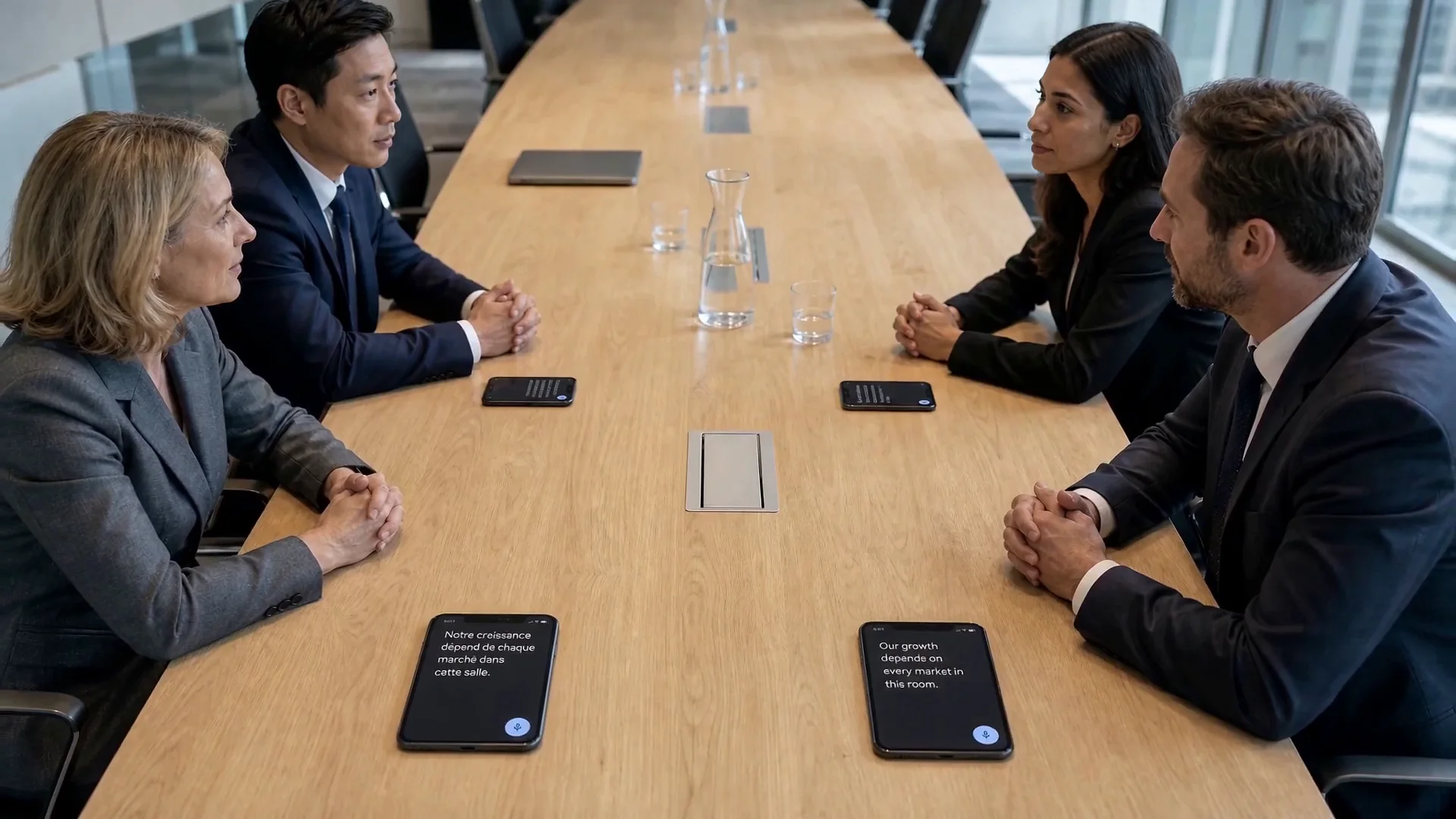
01 · Overseas branch
Meetings with local colleagues
Share a presenter’s voice during branch meetings, factory briefings and staff training using familiar smartphones.
From multilingual construction-site briefings to branch-office meetings, GoToc connects phones to share audio. If translation is needed, use a separate translation app you already know.
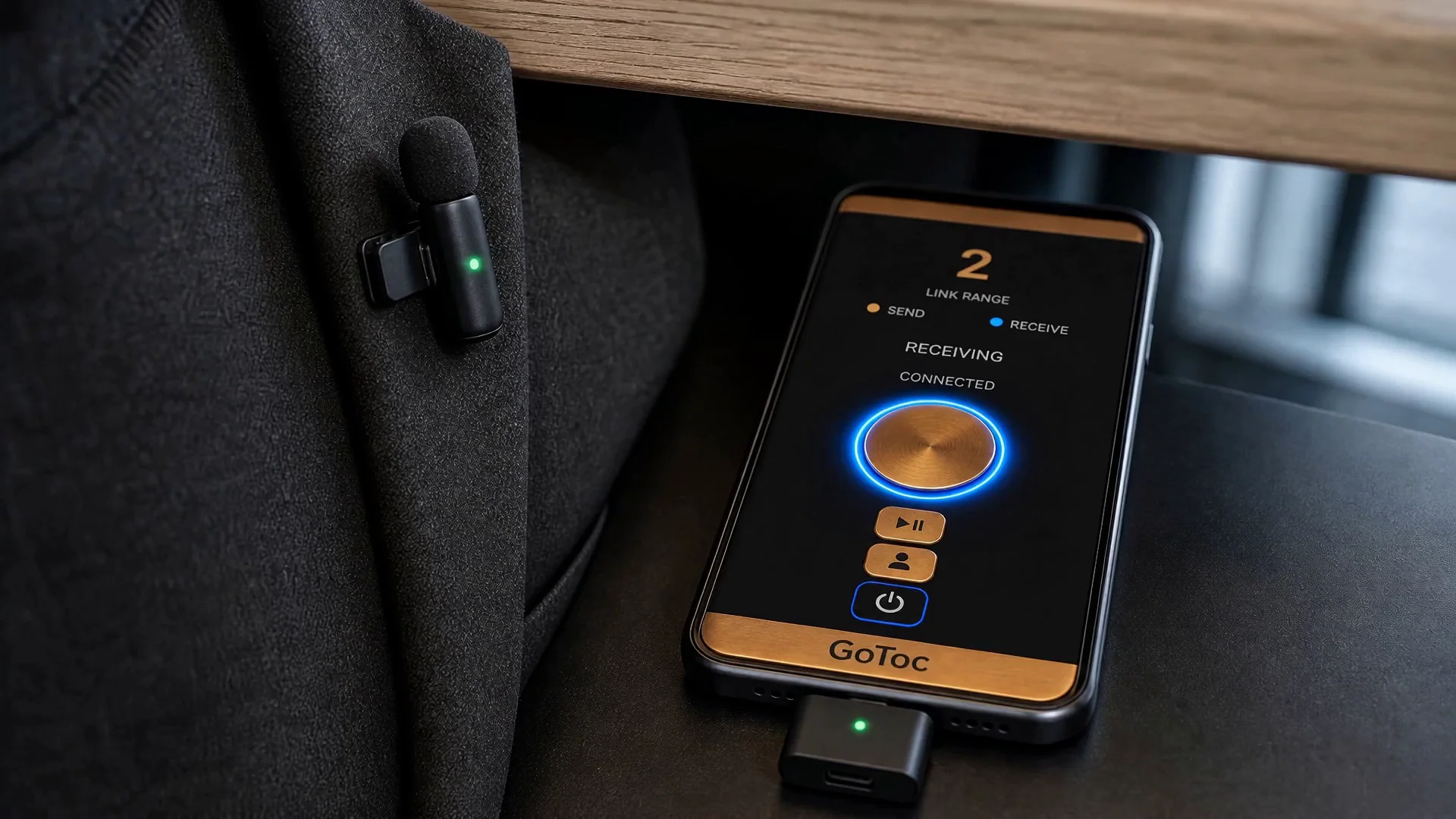 Promotional film scene showing GoToc audio on a smartphone
When one person speaks and many people need to listen, GoToc offers a simple phone-to-phone audio connection.
Share a presenter’s voice during branch meetings, factory briefings and staff training using familiar smartphones.
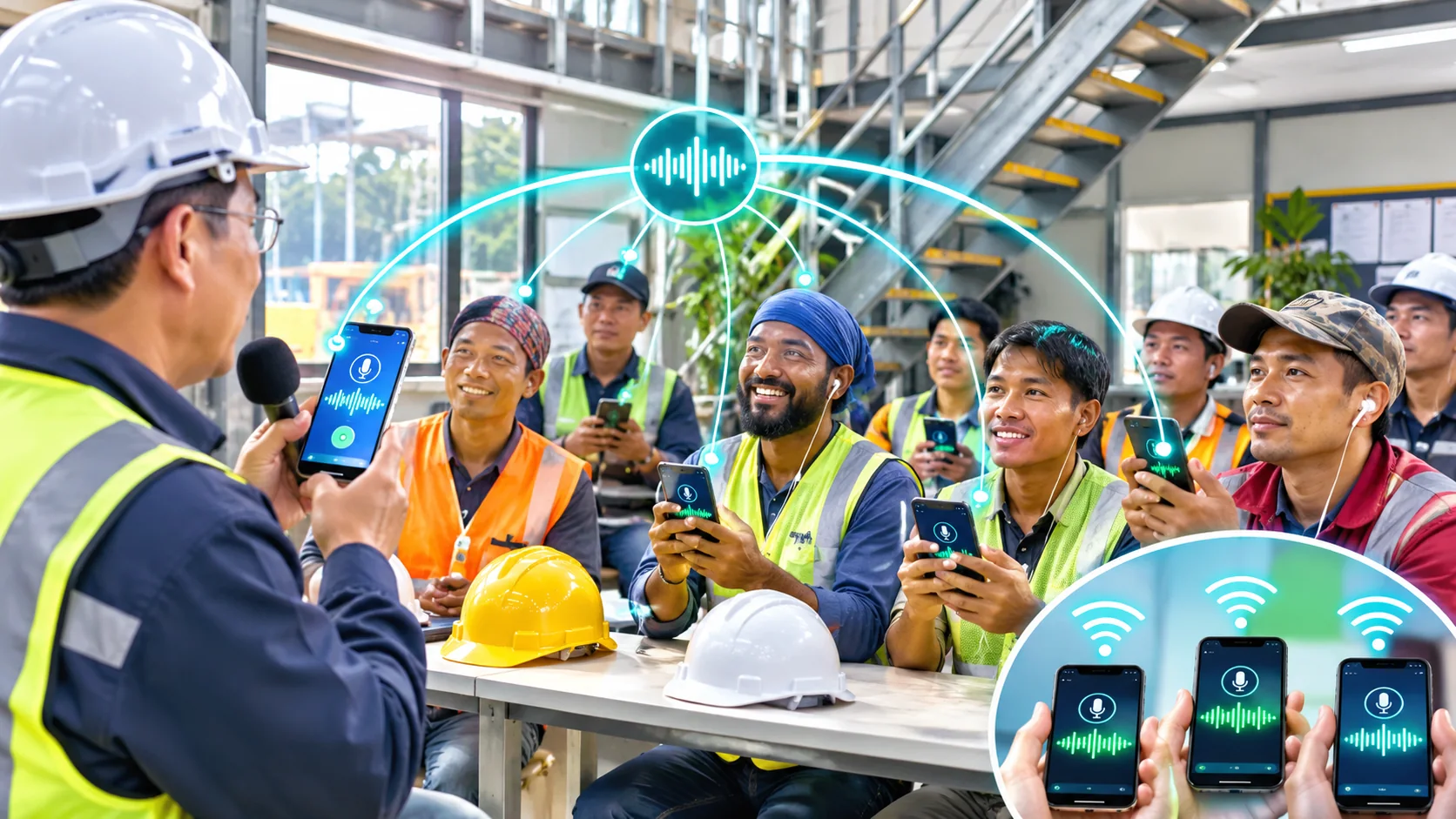
In a construction-site office, a supervisor can deliver an announcement to the phones of workers from different countries.

Share sermons and announcements with connected phones. Listeners can also use their own separate translation apps when needed.
Play a YouTube video on one phone, receive its permitted audio on a second, and use a separate translation app. Two phones are required for this workflow.
* Scene images illustrate potential uses and are not photographs of actual customers.
No account and no sign-in. Share a code and connect.
Open GoToc on the sending phone and create a six-character connection code.
Listeners enter the code on their phones. The current version does not require manual host approval for each connection.
Connected phones receive audio that the source device permits to be captured. Use a separate translation app if needed.
* Depending on the source and device, Android screen/audio capture permission may be needed.
Connect without creating an account or signing in.
Use smartphones instead of dedicated audio receivers.
Suited to briefings, meetings and presentations with multiple listeners.
If the host session is active, tap Reconnect and use the same code.
Translation is handled by a separate app, not GoToc.
Designed to carry live audio rather than record conversations.
Play video on one supported phone, receive the audio on another, and use a separate translation app.
Play the video and send permitted device audio through GoToc on supported Android devices.
Receive the sound using GoToc and view translations in an external app.
The existing promotional film is staged to illustrate possible uses; it is not footage of the three-phone device test.
The information you need before using GoToc.
No. GoToc transports audio between phones. Translation requires a separate app, such as Google Translate, whose results and availability depend on that service.
Overseas-branch meetings, multilingual construction-site briefings and safety meetings, classes and presentations with one speaker and multiple listeners.
No account or sign-in is required. Enter the host’s six-character code. The current version does not require the host to approve each join manually.
The limit depends on the app’s session setting and network conditions. Large-scale concurrency is still being tested; a fixed capacity is not guaranteed.
No. Turning off your own transmission does not stop incoming audio while the connection remains active. Turning off transmission and ending the host session are different actions.
Yes. Use a normal Wi-Fi or LTE/5G mobile-data internet connection. Phones do not have to share the same Wi-Fi network. Phone hotspots and tethering are not currently supported.
No. GoToc does not currently support phone hotspots or tethering. Please use a regular Wi-Fi connection or LTE/5G mobile data on each phone.
No. GoToc transports audio between phones. Translation requires a separate app, such as Google Translate, whose results and availability depend on that service.
Connect and receive audio with GoToc, then manually start speech recognition or translation in a separate app on each phone. GoToc does not launch or control that app. If it listens through the microphone, check the surrounding noise and audio playback.
The workflow described here requires two phones: one plays and sends permitted audio; the other receives it and uses a separate translation app. Compatibility varies.
No. Android, the device and the source app can restrict audio capture. Screen/audio capture permission may be required.
A separate translation app may pick up nearby voices or audio playing again through the phone speaker. Reduce background noise and duplicate speaker output, and check whether the app is listening. GoToc does not generate translations.
In a long meeting, it can be hard to follow every translated sentence. If your translation app offers a history view or scrolling, use it to review earlier captions. Some apps may briefly pause speech recognition while reading a translation aloud; for continuous talks, text captions may work better. Features vary by translation app.
On some tested configurations, supported system audio could still be shared with the speaker volume set to zero. This is device- and source-app-dependent.
Check whether the sender is transmitting, Android screen/audio capture permission and whether the playing app allows capture. Also check the receiver media volume, output device and network. If only translation fails, check the separate translation app’s microphone permission and listening status.
No automatic reconnection loop is used. If the host session remains active, tap Reconnect using the retained code. Ending the host session invalidates that code. The same code remains usable while the host session is active. After a temporary drop, tap Reconnect on the receiving phone. Ending the host session immediately invalidates the code. Use Change Code to connect to another host.
GoToc has no built-in recording, automatic meeting minutes or translation-history feature. If needed, check whether your phone and a separate recording app support it, and comply with participant-consent requirements and applicable law. To prepare meeting minutes, you may record separately using a phone voice recorder and then upload that recording to an AI transcription or summary service of your choice. Check whether your phone supports using both apps at once, and obtain participants’ consent before recording or uploading.
The GoToc-operated server does not save transmitted audio or translated text as conversation records. Connection codes, session state and technical connection information may be processed. External apps have their own privacy policies.
Audio is transmitted over the internet, so LTE/5G connections use mobile data. Long sessions also use battery, and power-saving or background restrictions may interrupt connections. Prepare sufficient battery and a stable connection for important meetings.
No. The language menu only changes the language used for GoToc’s website and instructions. Speech recognition and translation are provided by a separate translation app, which determines its own supported languages. GoToc does not translate speech into 20 languages itself.
GoToc carries sound. For translation, use an app you already know.